

Go to New Games





































Be the first to comment

Paint the Keyboard skillfully blends the genres of arcade, obby, and idle expansion. You get to run a flourishing keyboard manufacturer as the proprietor.
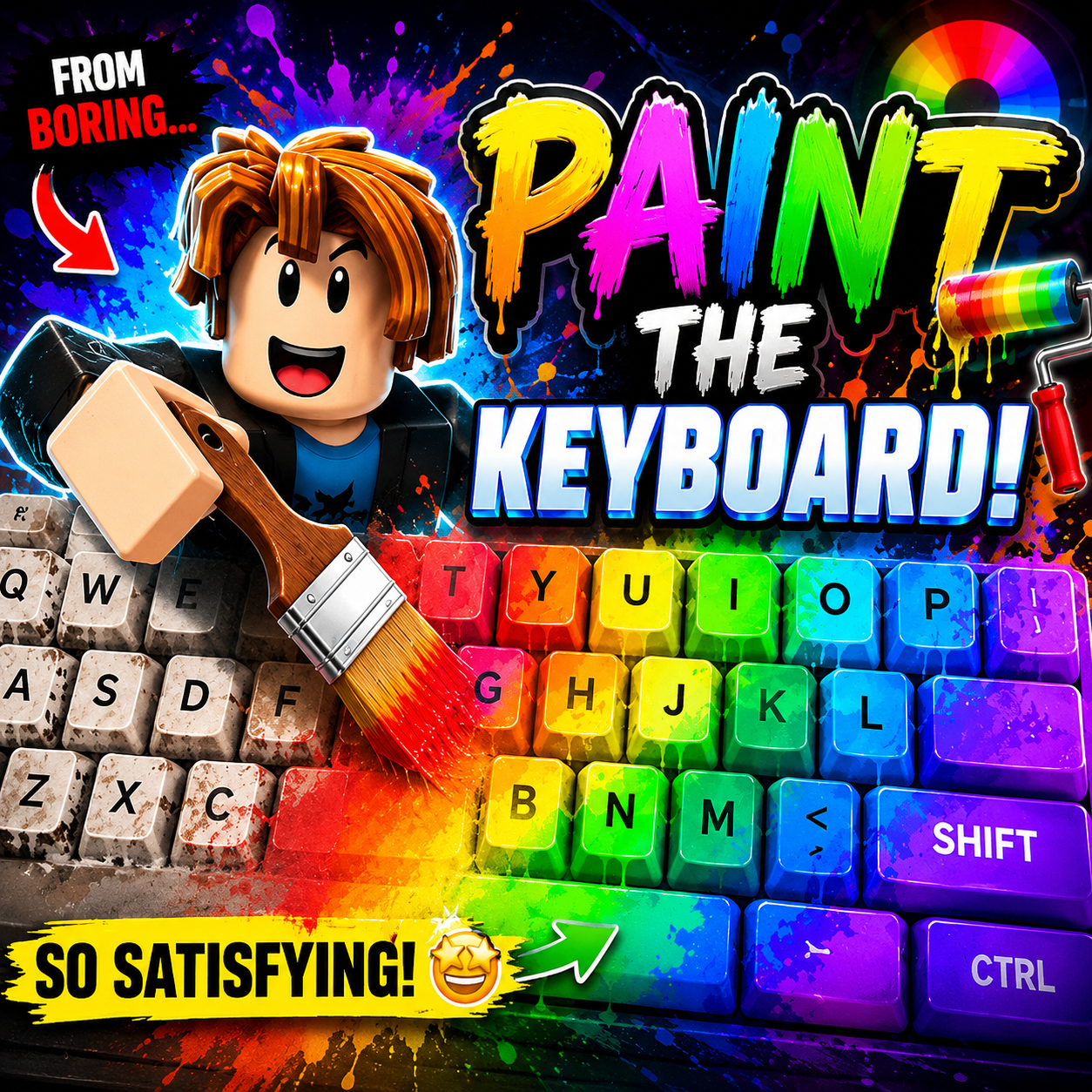
You swipe a paint roller over the key surface, covering each location, and receive money when the key is pushed. A magnificent piano complex teeming with workers and artists will eventually replace the original little area of land. A cylinder paint pot swivels on the character's back as he wears a black jacket over a blue shirt. The keyboard space becomes a colorful open world, where coating is the driving force behind the entire production line. With every fresh coat of paint comes more money, which means more room to improve and grow. Hiring workers increases keystroke speed and generates passive revenue, while automated overlay artists deliver superior efficiency. Every upgrade to the roller, speed, or paint capacity makes a clear difference across the entire line. The goal of transforming the humble keyboard into a vibrant and bustling complex constantly motivates players.
Moving around the keyboard surface and rolling paint over each key puts you in a steady beat throughout the game. Each painted key, when pressed, brings in money, and that money goes back to nourishing the upgrade process. When the roller runs out of paint, you have to run back to the tank to refuel. Revenue earned is used to buy new paint colors, increase movement speed, expand roller width, and increase paint storage capacity. Gradually you unlock new areas on the keyboard, hire workers, and then unlock automated artists. Each new round of development adds strength to the entire workshop system.
On computer:
On mobile devices: