

Go to New Games































Be the first to comment

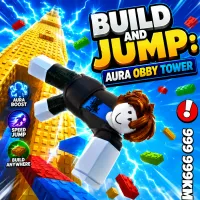
Build and Jump: Aura Obby Tower shapes regular wooden blocks into a skyscraper with a huge prize chest at the top. Your height influences your gold income.
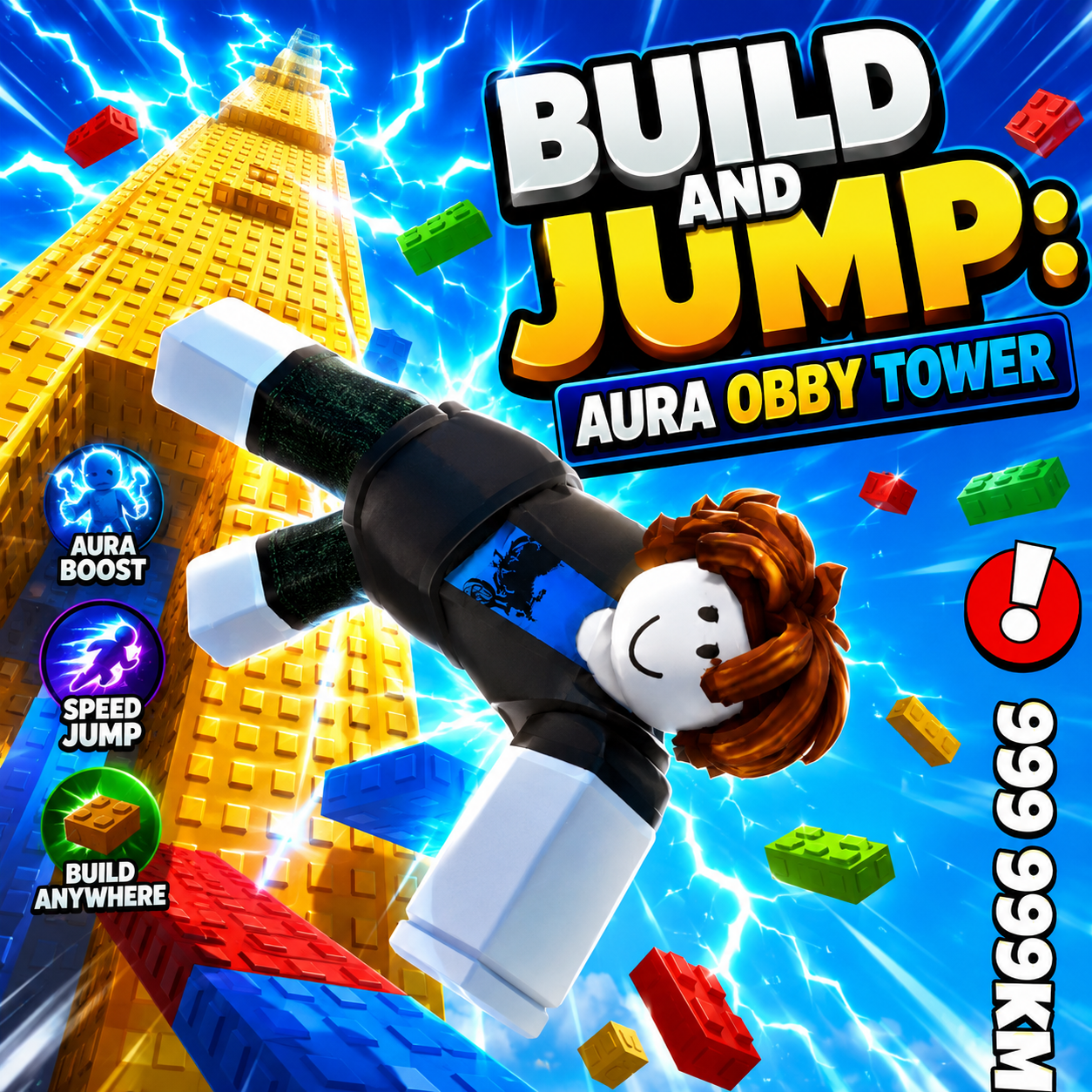
Every step taken up your self-built tower is like mining a new vein of gold in the roblox sky. You place each block, decide the tower's height, and climb your own creation to reap the rewards. The higher you go, the greater the prize. Rare pets and companions appear along the way, offering silent, powerful support. Challenge friends to construct a tower that reaches the clouds first and become Obby Legend. With every rebirth, the world transforms completely—unlocking new block types and revealing new pets. The thrill of standing atop a towering structure and collecting a massive gold payout keeps players hooked on stacking blocks.
It all begins with just enough cash to buy your first few blocks. You build a tower, climb it to gather gold, and then descend to purchase more blocks for constructing higher towers. This cycle may seem simple, but it offers surprising depth. Each rebirth raises block gold costs, changes the landscape, and introduces new block kinds. With each rebirth, your starting budget increases, preventing you from remaining at square one indefinitely. Building the tower isn't just about stacking blocks high; it’s about calculating your climb and mastering jump momentum. Players quickly realize that height brings not only gold but also the power to conquer more challenging rebirth tiers.
On PC, use WASD or the arrow keys to move and the space bar to jump. Hold the right mouse button to rotate the camera and click to confirm purchasing, selling, or constructing. Mobile controls include a virtual joystick in the bottom-left corner, a jump button, and swipe and touch to manipulate the camera.