

Go to New Games















Be the first to comment

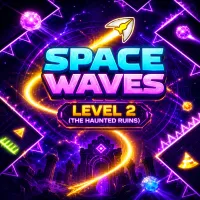
Space Waves Level 2: Green path, red background, dangerous yellow zone — a rhythmic challenge and relentless scoring. Speed is calling; conquer each section!
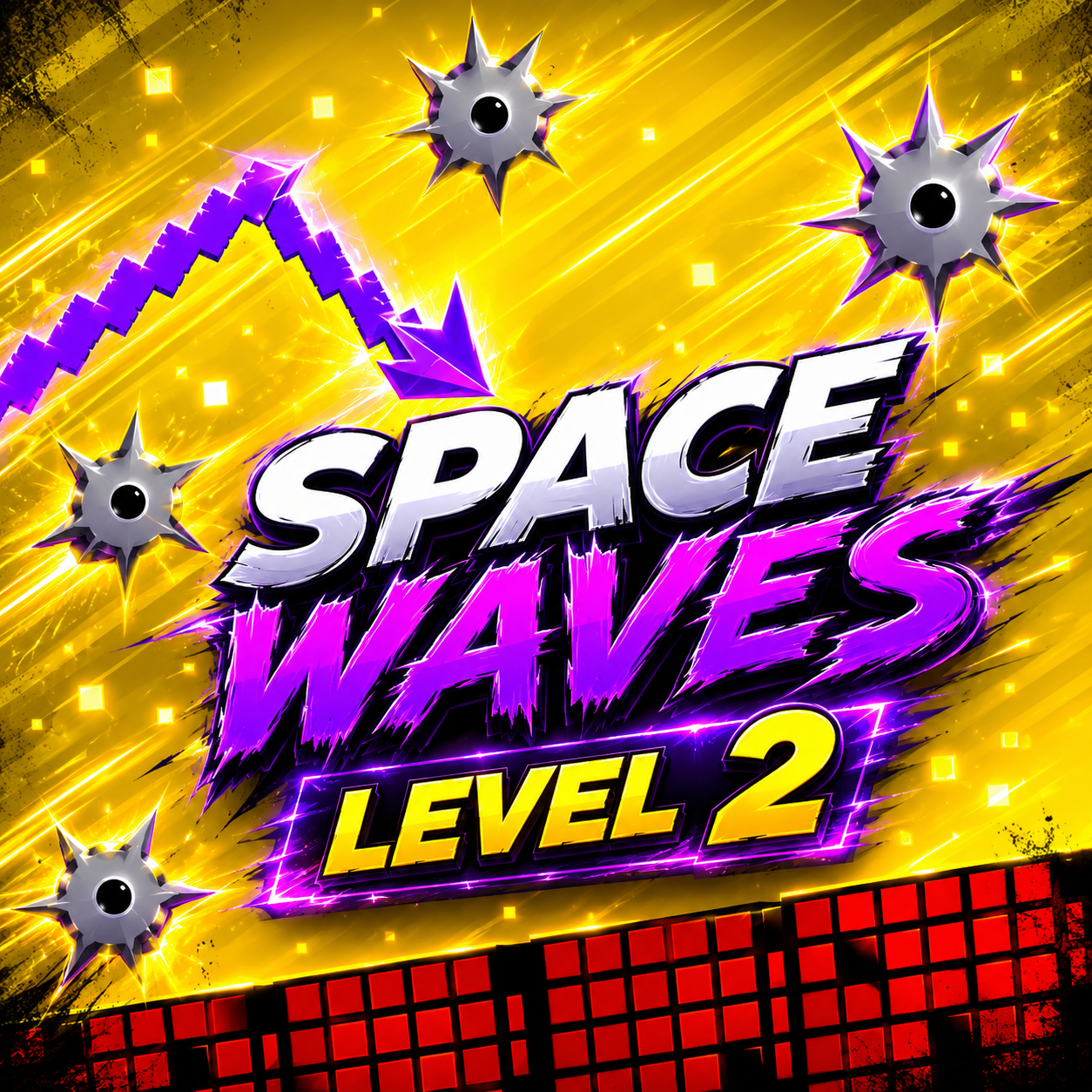
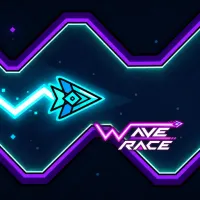
Inspired by Space Waves, this level maintains the atmosphere of Space Waves Level 1 but has more obstacles. Reach the finish line or run as far as possible in Endless Mode, while honing your pattern-reading skills. Sections with spiked stars and narrow gaps appear frequently, making this level a crucial test of your skills. Colours (green for the route, red for the grid backdrop, yellow for the hazardous zone) also indicate gameplay. The sharp contrast helps the eyes quickly identify the path and establish the trajectory in an instant when moving quickly. Visual traps like spiky stars on the yellow backdrop force you to follow the pattern rather than guess. The red grid design also highlights the narrow gaps and allows you to estimate distances relatively quickly. Players should utilize visual cues to read the screen instead of relying purely on reflexes, which increases the success rate.
Strategy involves increasing speed to get points and decreasing speed to survive in spike-filled regions. The V (+0.5) and B (-0.5) keys let you create a velocity profile for each Level 2 part. At high speeds, points are added faster, but the trajectory becomes difficult to control, leading to more serious mistakes. Conversely, decreasing speed in complex sections helps you maintain accurate timing and reduce unnecessary restarts. The HUD shows your speed, so you can monitor your build and modify as needed. Endless Mode is the most useful place to test speed, as you can measure the point benefit relative to time. To optimize your score, rehearse the pattern first, then progressively increase pace in safe corridor portions. A successful run is a balance between speed and survival—maintaining a longer pace usually wins in points. To discover your ideal play style, practice each segment at various speeds.
The main key is space; the game also supports tap and click for smooth gameplay on touch devices. Pressing the key moves the sprite in a wave pattern; time controls whether you pass or halt before obstacles. The C key lets you change outfits mid-stage or before your turn, improving contrast with complicated backdrops. When you wish to score higher, fine-tune risk/reward using the V and B keys. The basic control structure makes it accessible for beginners yet deep enough for professionals. For instant record setting, hit SPACE on the title screen to enter Endless Mode. On mobile, two-finger gestures (one for rhythm control, one for costume changes) are a practical trick for better control. If you feel input lag, check touch settings or switch to click/keyboard for a more stable response. Control flexibility lets you move between casual practice and a precise run fast.